Beanstalk 2026 · Sept 14–16 · New York
Create your Social Card
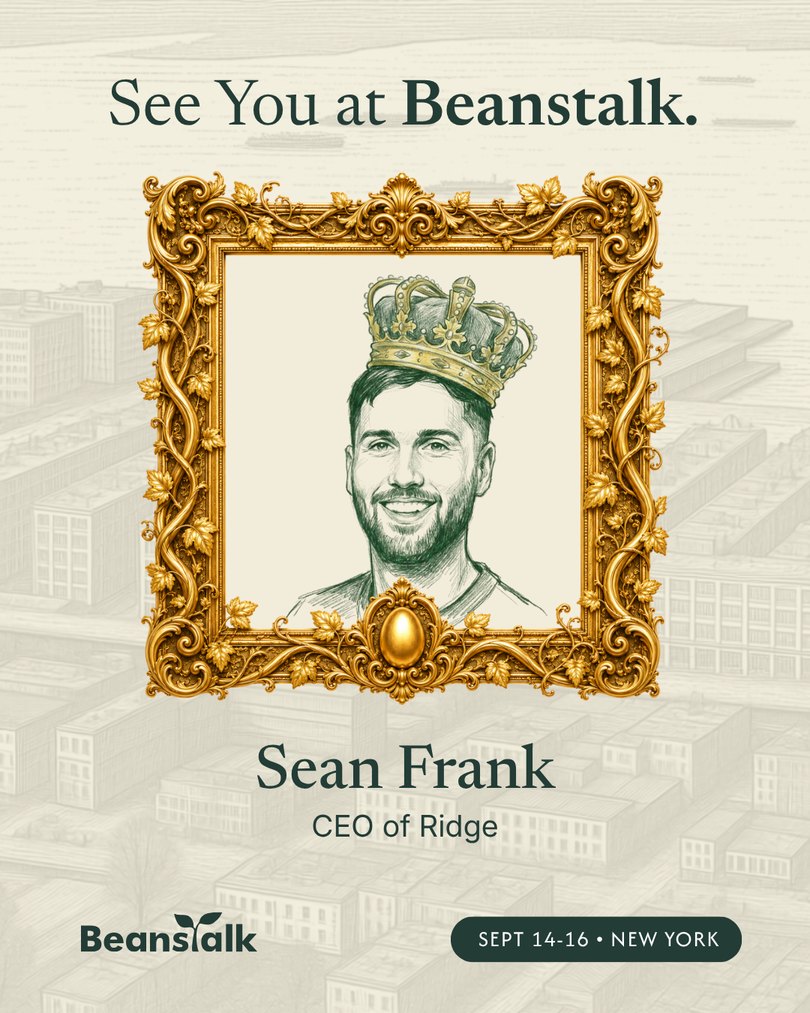
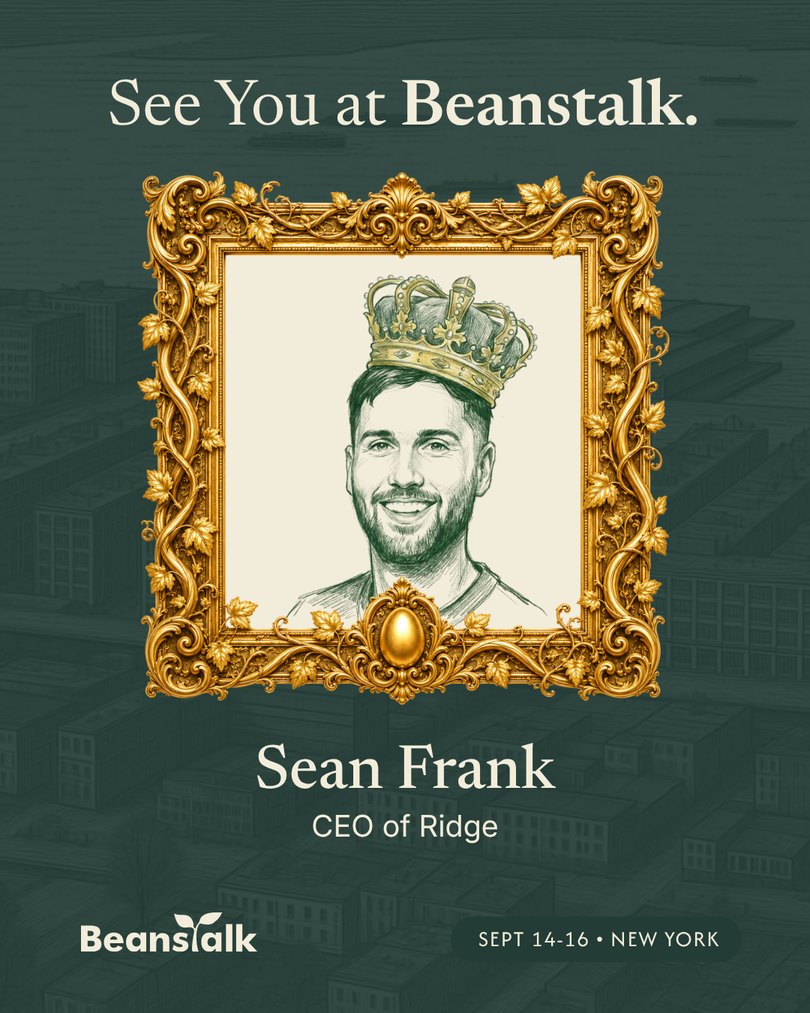
Turn your headshot into a hand-drawn Beanstalk crown sketch, then drop it into our Canva template to announce you’re coming to Beanstalk 2026.
Upload a photo and Jack will work tirelessly with his trusty green pen to draw three versions for you. Pick your favourite, download it, and add it to the template. The whole thing takes about two minutes.
Heads up: you can generate up to 10 sets of sketches per day (30 sketches). The limit resets at midnight UTC.
1Upload a Photo and Commission your Sketch
What makes a good photo
- A clear, well-lit headshot with your face straight on to the camera
- Just you — crop out anyone else in the frame
- Head and shoulders, with your whole face visible
- Avoid sunglasses, hats, heavy shadow, or a very low-resolution photo
Not happy with the results? Ugh. Jack will be so annoyed. In addition to replying to all your emails, we forced him into a little room to sketch these in his free time. Alas, he really wants to make you happy and will sketch 3 more every time you hit “Regenerate”. Across everyone, he quits after 300 each day… so be kind :-)
2Pick your favourite sketch and download it
Your three sketches will appear here.
3Upload it into the linked Canva template to create your post
Open the template, drop your downloaded sketch into the frame, add your name and title, then download your finished card and post it. Tag Beanstalk on LinkedIn or X so we can reshare it.
Open the Canva template →How to use Canva
Never used Canva before? This short walkthrough shows the whole thing — opening the template, swapping in your sketch, and downloading your finished post.
Two ways it can look
The template comes in both colourways — pick whichever suits your feed.